Build a Private, Powerful Smart Home with Raspberry Pi or a NAS
Today we dive into self-hosting your smart home on a Raspberry Pi or a NAS, exploring practical setups that keep your data local, your automations reliable, and your power bill reasonable. We will compare platforms, tune networks, install Home Assistant, use containers, harden security, design dashboards, and prepare robust backups. Bring your questions, share your experiments, and subscribe for hands-on guides that favor simplicity, resilience, and delight for the whole household.


Choose Your Home Base: Raspberry Pi or NAS?
Selecting where your smart home lives shapes everything afterward, from performance to maintenance. A Raspberry Pi excels at low power and flexibility, while a NAS offers storage, redundancy, and 24/7 reliability. Consider cost, availability, expandability, and noise. Think about Docker support, network throughput, SSD wear, and recovery options. Matching your household’s needs with realistic constraints builds confidence before the first automation runs.
Getting the Network Right from Day One
Protect your home by skipping risky port forwards entirely. Deploy WireGuard or Tailscale for simple, encrypted tunnels that just work from phones and laptops. Alternatively, use a privacy-respecting tunnel like Cloudflare Tunnel to front your services with access policies. Whichever approach you choose, enable MFA, limit administrative interfaces, and log connections. Friends will be amazed when your system feels instant and safe, even on hotel Wi‑Fi.
Consistent naming turns chaos into clarity. Assign static leases for Raspberry Pi, NAS, and gateways, then serve friendly hostnames using Pi‑hole, AdGuard Home, or your router’s DNS. Pair with an internal certificate authority or automated Let’s Encrypt for trusted HTTPS. This small investment ends the guessing game of IP addresses, prevents flaky mDNS surprises, and makes dashboards feel professional. Your future self will thank you every update day.
Lightbulbs, plugs, and cameras rarely need to talk to your laptops. Place them on an isolated VLAN, block internet access where possible, and create allow‑lists for exactly what must pass. Keep Home Assistant and bridges on a safer network, with targeted firewall rules. This containment strategy limits risk from questionable firmware, reduces broadcast noise, and makes troubleshooting predictable. Security becomes a posture, not a panic, improving household confidence.
Installing Home Assistant and Core Services
{{SECTION_SUBTITLE}}

Pick the Right Installation Method
Choose between Home Assistant OS for turnkey management, Container for portability and orchestration, or Core for minimal dependencies. The OS route simplifies updates and add‑ons, while containers on NAS centralize operations with Compose. Consider your comfort level with Linux, snapshots, and troubleshooting. Document the command you used, version pinning decisions, and data volume locations. A reproducible setup turns upgrades from stressful gambles into routine, reliable habit.

Essential Companions: MQTT, Zigbee, and Z‑Wave
MQTT provides a flexible message bus for sensors and bridges. Zigbee2MQTT unlocks inexpensive devices with transparent control, while Z‑Wave JS excels in reliable, low‑interference environments. Place radios away from interference, use USB extension cables, and pick good power supplies. Label channels, map rooms carefully, and start with a few critical devices before bulk pairing. Thoughtful planning here prevents range headaches and strange flakiness when routines finally depend on stability.
Containers, Storage, and Backups That Survive Storms
Containers keep services tidy, reproducible, and easy to recover. Bind mounts or volumes separate configuration from application images. On NAS, map persistent data to redundant storage and schedule snapshots. Follow the 3‑2‑1 backup principle, testing restores periodically. A small UPS prevents corruption during outages. After a thunderstorm once scrambled my SD card, snapshots and documented Compose files turned a potential disaster into a calm, twenty‑minute recovery.
Rock‑Solid Docker Compose for Everyday Operations
Use explicit image tags, resource limits, restart policies, and healthchecks in Compose files. Standardize network names, place reverse proxies in front, and centralize environment secrets. Store Compose and configs in version control, keeping sensitive values outside the repository. Write short readme notes for future you. With consistent structure, moving from Raspberry Pi to NAS becomes a planned migration, not an emergency. Confidence grows when deployments feel repeatable and boring.
Protecting Your Data with Snapshots and Checksums
Choose filesystems that make resilience easy. ZFS or Btrfs snapshots enable quick rollbacks, while checksums detect bit rot quietly. Schedule frequent, lightweight snapshots, then replicate critical datasets off the primary device. Encrypt offsite copies where appropriate. Verify integrity with periodic scrubs, and monitor SMART data. These habits prevent slow, silent corruption from eroding trust. Your smart home deserves the same care you give family photos and finances.
Disaster Recovery Drill You Can Actually Finish
Practice restoring to fresh hardware or a VM using only your documentation and backups. Time the process, note gotchas, and improve the checklist. Aim for an hour or less to regain basic control of lighting and presence. Keep spare cables, a labeled coordinator dongle, and a tested boot drive. Sharing your results encourages others, and comments often reveal small tricks that transform stressful recoveries into calm, methodical routines.
Privacy, Security, and Energy Efficiency
Local control keeps conversations, routines, and sensor histories where they belong: at home. Minimize cloud dependencies, rotate secrets, and monitor logs for anomalies. Favor encrypted protocols and principle‑of‑least‑privilege access. Meanwhile, schedule heavy tasks, tune power profiles, and measure actual usage. With thoughtful choices, a Raspberry Pi or NAS runs quietly, securely, and efficiently. Peace of mind follows when convenience does not compromise boundaries or budgets.
Keep Your Data Indoors, Not in Someone Else’s Cloud
Audit every integration for outbound dependencies, then replace non‑essential cloud connections with local alternatives. Host dashboards, cameras, and automations on hardware you control. Use end‑to‑end encryption for remote sessions, and block unnecessary telemetry. Explain benefits to the family: faster responses, fewer outages, and stronger privacy. When your living room lights depend on your living room server, reliability becomes intuitive, and trust grows naturally with every comfortable evening.
Harden the Stack Without Breaking Convenience
Enable MFA, use unique passwords, and avoid shared admin accounts. Consider read‑only tokens for dashboards, role‑based access for family members, and audit trails for sensitive actions. Keep firmware updated, but schedule maintenance windows that respect routines. Small guardrails, like IP allow‑lists and unprivileged containers, dramatically reduce risk while remaining invisible day to day. Security feels effortless when thoughtfully designed around real habits and honest human shortcuts.
Trim Watts Without Sacrificing Responsiveness
Measure before optimizing. Track device idle draw, confirm sleep behaviors, and align backups with off‑peak hours. Prefer wired Ethernet over power‑hungry Wi‑Fi where possible, and consolidate overlapping services. A Raspberry Pi can sip power while running critical automations, and a NAS can hibernate disks smartly without harming responsiveness. Share your savings story and lessons learned, inspiring others to pursue comfort, reliability, and sustainability together, one measured improvement at a time.
Scaling Up: Dashboards, Voice, and Family Buy‑In
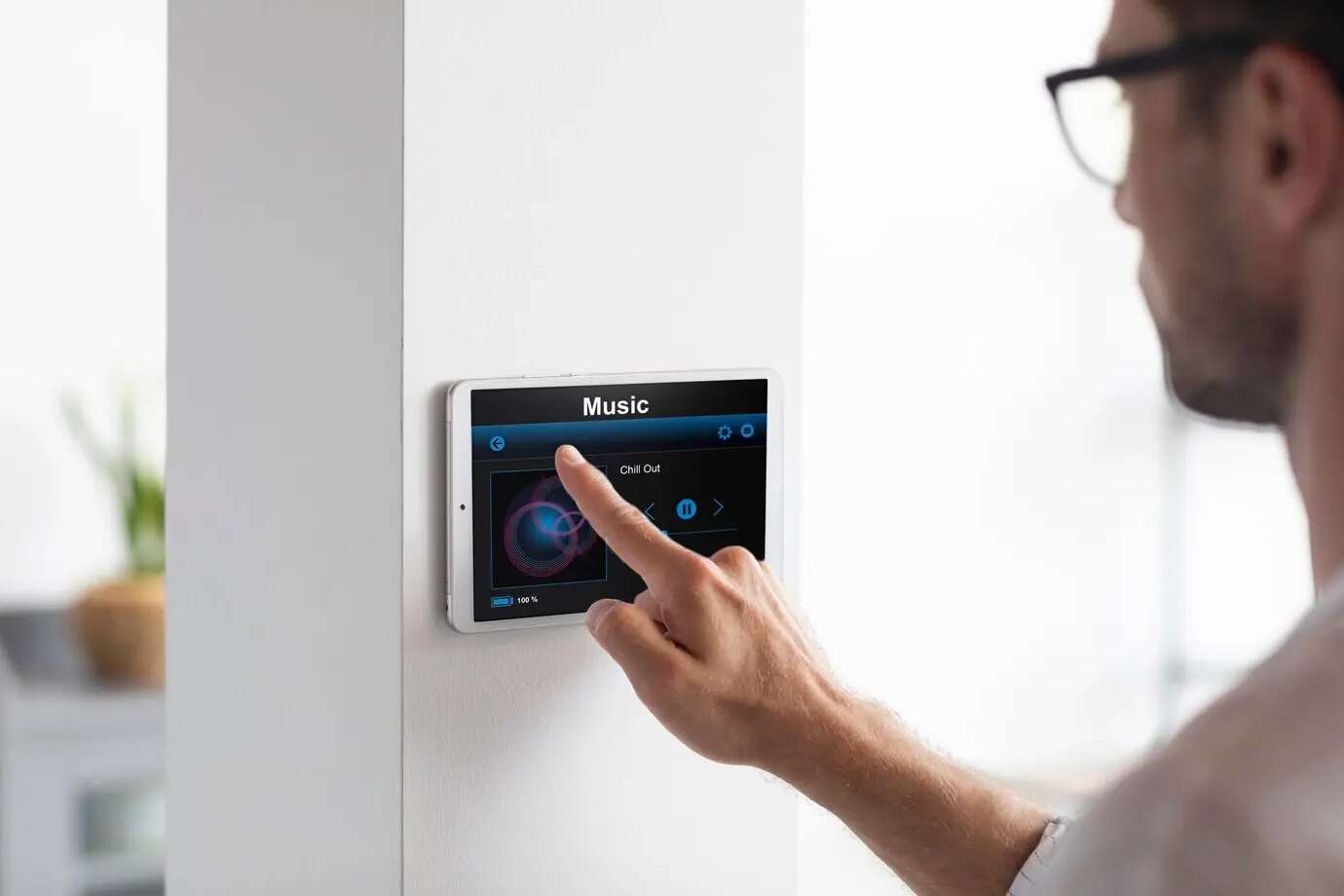
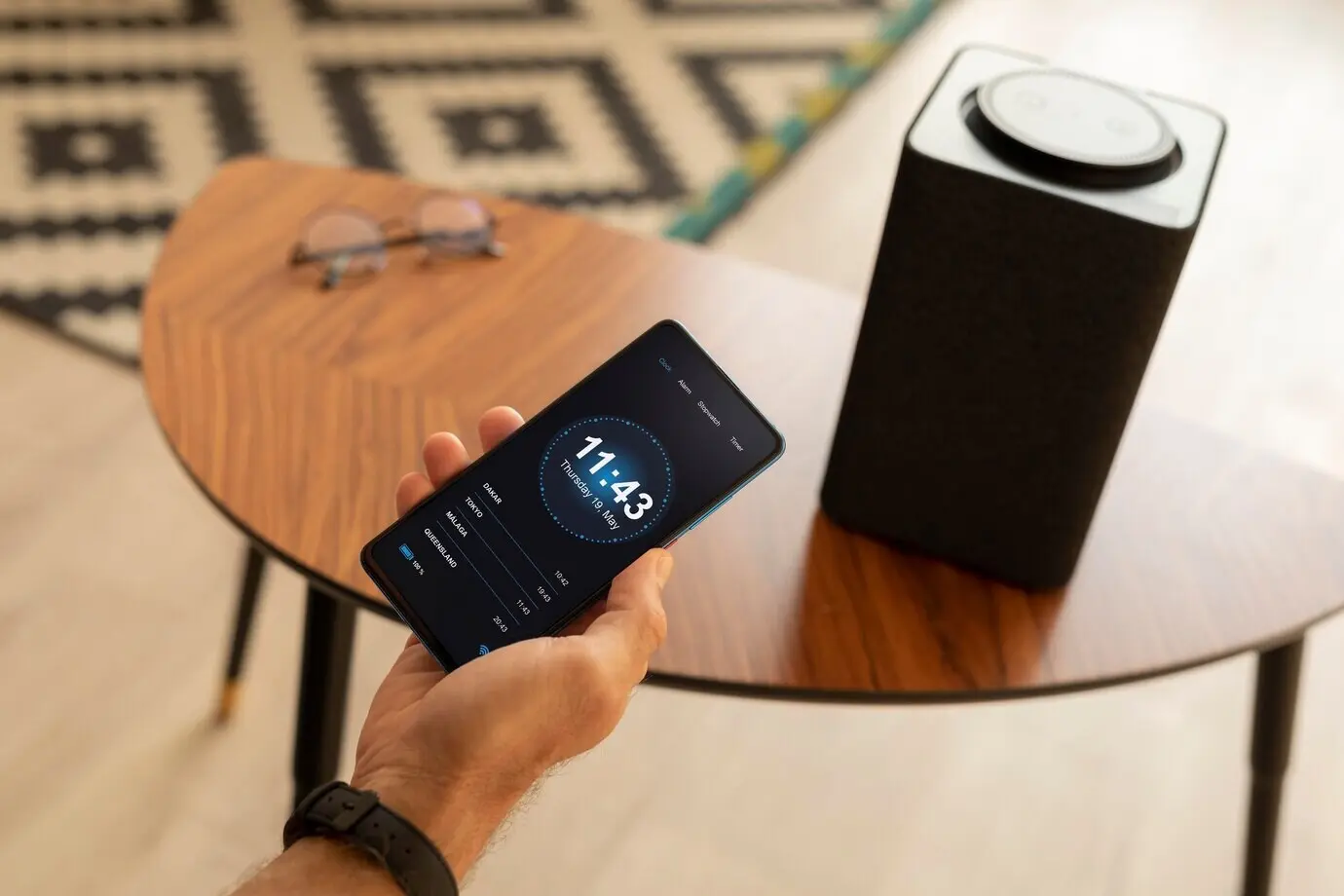
Great smart homes feel invisible until help is needed. Build dashboards that surface only the controls people want, and add friendly voice for hands‑busy moments. Embrace feedback, iterate thoughtfully, and celebrate small successes. Introduce changes gradually, with predictable routines. Document routines for guests and future you. As functionality grows, clarity becomes the best feature. Engagement climbs when everyone understands how to ask the house for a little kindness.